
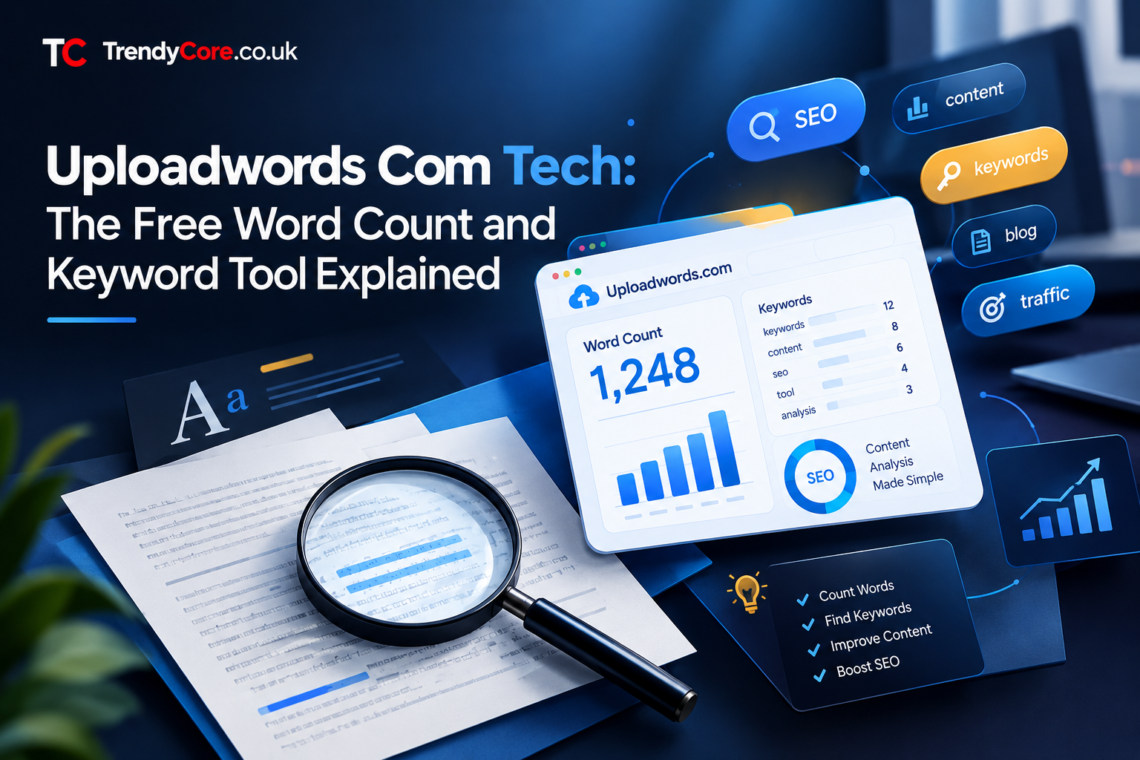
Writers, students, and marketers share one small recurring problem: they need fast answers about their text. How many words is this draft? Which keywords repeat too often? What is this piece actually about? Uploadwords com tech exists to answer exactly those questions, free and without signup.
This guide explains what the tool does, how to use it well, who it suits best, and where the honest limits are. It also warns you about something most reviews skip: several lookalike domains that imitate the real site.
Why does this deserve a full guide? Because the tool sits at the intersection of two things readers care about: free utilities and trust. Anyone can publish a page that counts words; the real question is which page deserves your text. This guide answers that, and along the way it teaches a repeatable method for judging any free online tool.
What Is Uploadwords Com Tech?
Uploadwords com tech refers to UploadWords, a free browser-based text analysis tool at uploadwords.com. You paste text into the page, and it instantly returns word count, character count, top keywords with frequency, and a visual word cloud. Above all, there is no account to create, no software to install, and no payment step.
The tool positions itself as privacy-first. In fact, its public statements say pasted text is processed to generate results and is not published publicly, and its homepage notes that analysis runs in your browser. The stated audience is students checking essays, writers editing drafts, bloggers, and marketers doing quick SEO cleanup.
The technology behind it is refreshingly simple. Instead of accounts and cloud dashboards, the page runs its analysis locally in your browser tab. That design choice is the reason it can be free, fast, and private at the same time. In other words, less infrastructure means fewer costs and fewer places for your data to travel.
In short, it is a measuring instrument for words, not a writing app. It does not compose text for you. It examines text you already have and reports back what it finds.
Key Features
The tool keeps its feature set deliberately small. Here is what it offers, based on the site’s own descriptions:
|
Feature |
What it does |
|---|---|
|
Word count |
Total words in your pasted text, instantly |
|
Character count |
Characters with and without spaces, useful for meta descriptions and social limits |
|
Top keywords |
Most frequent words with counts, after removing common stop words |
|
Word cloud |
Visual summary where bigger words mean higher frequency, downloadable as PNG |
|
Copy and export |
Copy results for reports or download the word cloud image |
|
Mobile friendly |
Works in mobile browsers without an app |
Two honest notes belong here. First, some third-party articles claim the tool supports uploading .TXT files up to 4 MB. However, the official site’s own FAQ has said file uploads are “coming soon,” with pasting as the current method. Treat the upload claim as unverified until the site itself confirms it. Second, the exact counting rules can vary between tools. Hyphenated words, numbers, and contractions may be counted differently, so for high-stakes submissions, compare against your institution’s own rules.
For example, the character count matters more than beginners expect. Social platforms enforce hard limits, meta descriptions get truncated in search results, and submission forms reject overlong entries. An instant character check before you hit submit saves the annoyance of trimming after rejection.
How to Use It: A Simple Workflow
Getting value from the tool takes under a minute. Follow these steps:
- Open uploadwords.com in your browser, on desktop or mobile.
- Paste your draft into the text area: a blog post, essay, product description, or any text you want to analyze.
- Read the word and character counts first, and check them against your target length.
- Open the top keywords table. Ask whether the most frequent words match your intended topic.
- Remove stop words and set a minimum word length if those options are available, so the list shows meaningful topic words instead of “the” and “and.”
- Preview the word cloud. The dominant words should reflect your main subject at a glance.
- Revise your draft based on what you learned, then re-paste to confirm the improvement.
The keyword step deserves emphasis. Top keywords are not about stuffing a phrase into your text. They reveal whether your article is clearly about one topic, whether you repeat filler words, and whether your focus drifted halfway through. Writers use this to cut repetition. Marketers use it to check keyword density before a page goes live. Students use it to confirm an essay actually addresses the assignment.
In short, the workflow is paste, read, revise, and repeat. Each cycle takes seconds, yet it catches problems that silent re-reading often misses. Writers are blind to their own tics; a frequency table is not.
Who Should Use It
The tool serves three main groups, each with a different job to do:
|
User |
Typical task |
What the tool answers |
|---|---|---|
|
Students |
Essays and assignments with word limits |
Am I within the required length? Is my argument clear? |
|
Writers and bloggers |
Drafts before publishing |
Which words do I overuse? Is the topic focused? |
|
Marketers and SEOs |
Content cleanup before launch |
What is the keyword density? Does the copy match search intent? |
If your work involves producing or polishing text regularly, a free instant checker like this earns its bookmark. If you only write occasionally, it is still useful for the odd important document, precisely because there is no signup friction.
Meanwhile, teams benefit too. An editor can run every freelance submission through the same check in under a minute, which creates a consistent quality bar. Similarly, a teacher can show students exactly where their essays drift off topic, turning vague feedback into visible evidence.
Watch Out for Copycat Domains
Here is the angle most reviews miss. Searching for this tool surfaces several lookalike domains: uploadwords.net, uploadwords.co.uk, upload-words.com, and trendsuploadwords.com. Some carry thin, keyword-stuffed pages targeting phrases like “uploadwords .com usa tech.” These are not the official tool.
This pattern is common with free web tools. Indeed, imitators register similar domains to capture confused search traffic, and some publish low-quality content around the real tool’s name. The risks range from wasted time to, in worse cases, phishing or misleading download prompts.
Protect yourself with three habits. First, check the exact domain in your address bar before pasting any text: the real tool is uploadwords.com. Second, be suspicious of domains with extra words, hyphens, or different extensions claiming to be the same service. Third, never enter sensitive, unpublished, or client-confidential text into a tool whose ownership you have not verified. A few seconds of checking beats hours of regret.
Finally, the copycat problem says more about search economics than about this particular tool. Popular free utilities attract imitators because confused traffic is profitable. The defense never changes: verify the domain, check for official statements, and trust the site itself over articles about the site.
What It Cannot Do
Clear expectations prevent disappointment. UploadWords is a text measurement tool, and it does not replace several other categories:
|
It is not |
What to use instead |
|---|---|
|
A plagiarism checker |
Dedicated originality tools or your institution’s system |
|
An AI content detector |
Specialized detection services, used with caution |
|
A grammar checker |
A proper grammar and style editor |
|
A keyword research suite |
SEO platforms with search volume data |
|
A word processor |
Any standard document editor for composing and formatting |
None of this is a criticism. Still, a tape measure is not a worse tool because it cannot saw wood. The mistake would be expecting one free utility to cover every writing need. However, knowing these boundaries actually increases the tool’s value. When you stop expecting one page to do everything, you start using it precisely for what it does best: fast, honest measurement.
UploadWords Versus Other Free Counters
The free word-counter space is crowded. WordCounter.net and similar utilities offer overlapping features, and your word processor already counts words natively. So where does this tool fit?
Its advantages are simplicity and focus. No signup, no dashboard, instant keyword frequency plus a word cloud on one page. Many alternatives bury the same data behind accounts or upsells. Its limitation is depth: it will not give you search volume, competition data, or readability scores the way fuller SEO platforms do.
For quick checks, it competes well. For professional SEO research, it is a companion, not a replacement. Choose based on the job: measuring a draft takes seconds here, while planning a content strategy belongs in heavier software.
In addition, the best setup is often a combination. Use UploadWords for instant checks during drafting, then move to heavier platforms only when a decision truly needs search data or competitive analysis.
Privacy and Safety Notes
The tool’s privacy posture is one of its selling points: no signup means no account data to leak, and browser-side processing means your text does not need to travel to a server. Still, apply common sense. Avoid pasting highly sensitive information, unpublished manuscripts you cannot afford to lose, or client-confidential material into any free web tool. Free services can change ownership, policies, or infrastructure without notice.
On the safety side, the official pages show no red flags: no aggressive download prompts, no payment walls, no forced extensions. Keep your browser updated, verify the domain as described above, and you can use the tool with the same precautions you would apply to any reputable free utility.
Frequently Asked Questions
What is uploadwords com tech?
It is a free online text analysis tool at uploadwords.com. Paste any text to get word count, character count, top keywords, and a word cloud instantly, with no signup required.
Is uploadwords free?
Yes. The tool is completely free to use, with no account creation or payment step.
Does uploadwords store my text?
According to the site’s own statements, your text is not stored or shared. For sensitive material, standard caution still applies with any free web tool.
Can I upload files to uploadwords?
The current method is pasting text. Some third-party articles mention .TXT file uploads, but the official FAQ has described file uploads as “coming soon,” so treat that feature as unconfirmed.
What is uploadwords. com technology used for?
Uploadwords. com technology is used for quick text measurement: checking essay length, spotting overused words, previewing keyword density before publishing, and generating word clouds for reports or presentations.
Is uploadwords.com safe?
The official pages show no aggressive prompts, paywalls, or forced downloads. Verify you are on the exact domain uploadwords.com, keep your browser updated, and avoid pasting highly sensitive text.
How is it different from a word processor?
A word processor is for composing and formatting documents. UploadWords is for analyzing existing text and reporting measurements like frequency and length.
Final Thoughts
Uploadwords com tech is a small tool that does a small job well: it tells you the truth about your text in seconds. Students get length checks, writers get repetition radar, and marketers get a quick density preview before publishing. The price is zero, the friction is zero, and the learning curve is flat.
The two cautions are worth repeating. First, make sure you are on the real domain, because lookalikes exist. Second, use the tool for measurement, not for judgments it cannot make about plagiarism, grammar, or search demand. Keep those boundaries clear, and this free utility earns a permanent place in your writing workflow.
Therefore, bookmark the real domain, run your next draft through it, and notice what the numbers reveal. Good writing starts with honest measurement.
You may also Like: Kelly Anne Welbes Abagnale: The Woman Behind Frank Abagnale





One comment on “Uploadwords Com Tech: The Free Word Count and Keyword Tool Explained”